DIGITAL GYM WAIVERS
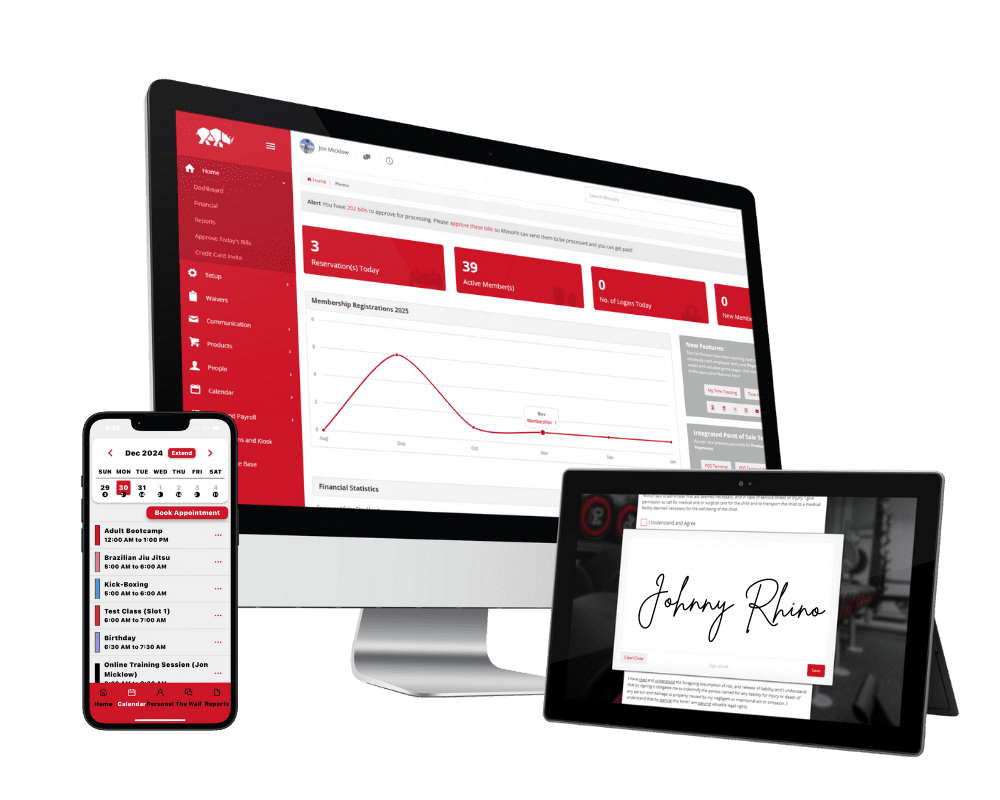
Sign waivers on any device – no paper, no chasing.
DIGITAL GYM WAIVERS
Sign waivers on any device – no paper, no chasing.
Do your members sign a waiver before they train? Are you a personal trainer who has clients sign one? RhinoFit gives you digital gym waivers with ready-made templates, the option to build your own, and electronic signatures on any device.
A gym can be a risky place for beginners and seasoned pros alike, so gym owners protect themselves with waivers. But a waiver only counts once it is signed – and busy schedules and odd workout times can get in the way. RhinoFit makes it easy to get a signed waiver before the member ever walks in the door.
Digital Waiver Options
RhinoFit gives you three ways to put a digital waiver in front of your members:
Upload A Custom File
The custom file option requires the gym owner to upload a physical document such as a PDF or Word Document to be signed electronically. This option works well for gyms currently using a waiver.
Use The Smartwaiver Service
Smartwaiver is a 3rd party PAID service where users may convert their digital documents into electronic signature ready waivers. Smartwaiver manages the waivers and stores them for you.
Use RhinoSign
RhinoSign is part of RhinoFit and allows you to create custom waivers yourself or choose a pre-existing waiver that's ready to sign. Waivers are stored inside of RhinoFit and it's FREE to use.
Customizable Digital Waivers For Each Type Of Gym
No two waivers look the same. The questions you ask depend on what your gym offers. A yoga studio might only need emergency contacts, while a massage therapist needs to know about past injuries. RhinoFit makes it easy to build a custom waiver that fits your gym.
Basic Contact Information
Each waiver has space for basic contact information like address, phone numbers, emergency contact and more.
Health Questions
Add questions about medical information like height, weight, age, smoker, drinker, medications taken, past surgeries and more.
Level Of Fitness
Before training can begin some gyms need to establish a baseline. Ask questions about prior gym experience, aches or pains, physical limitations.
How Do I Create Digital Gym Waivers?
RhinoFit includes a set of simple tools for building digital gym waivers. Each tool collects a different type of information from your members, and together they build a detailed waiver for any gym or fitness location. Preview our quick video about digital waivers.
Text Fields
Include text input fields so members can enter their text based answers directly into the waiver.
Yes/No Questions
Ask a Yes/No question where members select the appropriate answer from the available options.
Signature Field
Include a signature field in your waiver for members to sign their name digitally.
Our Gym Management Software Runs On Any Device
Use it on your computer, phone, or tablet – run your gym wherever you are. Your members can schedule and pay online too.